
Download PirateBrowser – Anonymous, Secure Web Surfing Tool
Overview
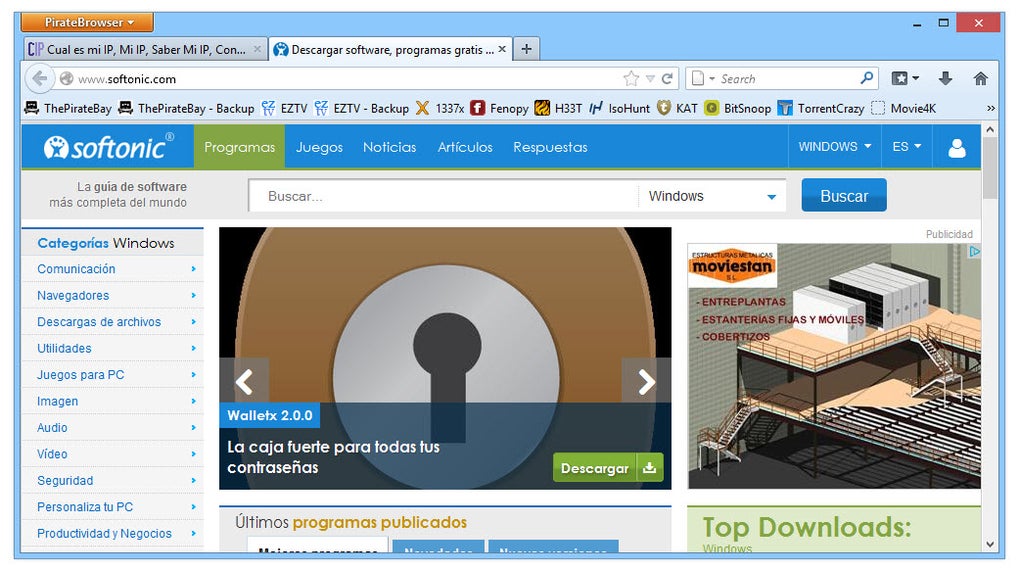
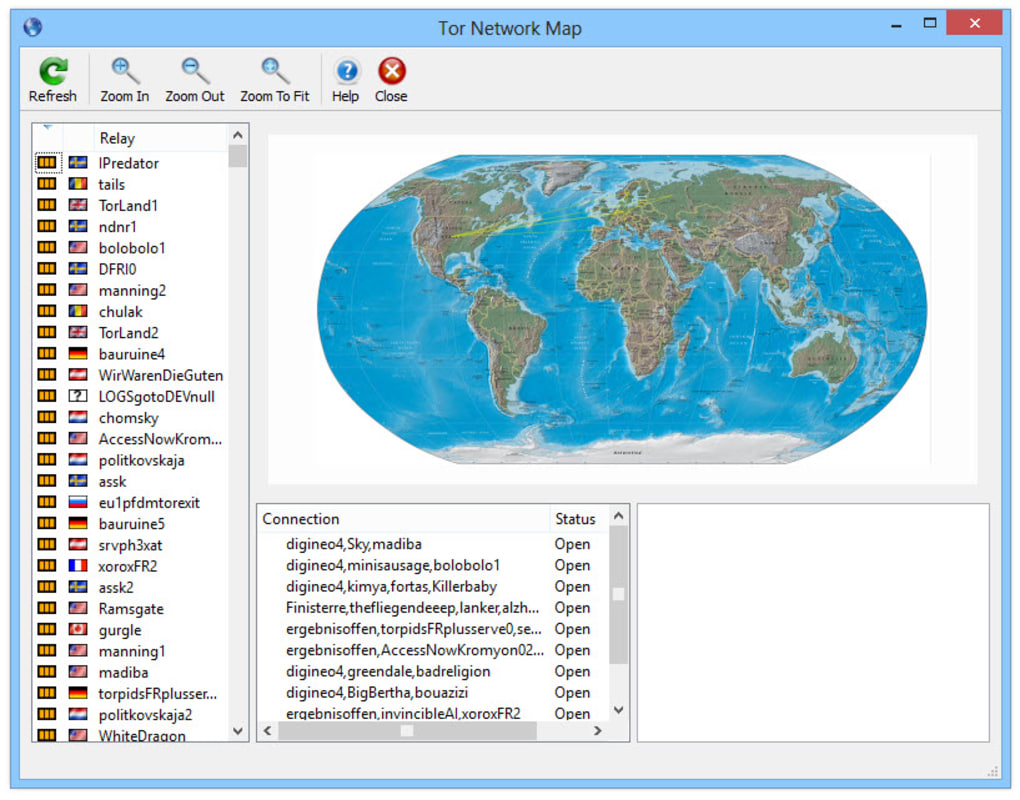
PirateBrowser is a free, portable web browser that bundles the Firefox 23 portable build, the Tor client (via Vidalia), and the FoxyProxy extension into a single, ready‑to‑use package. Designed for users who need to bypass geographic restrictions, evade censorship, or simply surf the internet without leaving a trace, PirateBrowser offers a “one‑click” connection to the Tor network. Once launched, the bundled Vidalia controller establishes a secure, encrypted circuit through the Tor relays, after which Firefox opens with proxy settings already configured.
Because the entire suite runs from a folder that can be placed on a USB stick, a cloud storage service, or any local drive, there is no traditional installation required—just copy the folder and start browsing. The primary selling point is anonymity: the browser strips cookies, blocks tracking scripts, and masks the user’s IP address, allowing access to sites like The Pirate Bay and other BitTorrent portals without exposing the user’s real location. While PirateBrowser does not claim to be a full‑featured privacy suite, it provides an easy entry point for anyone who wants to protect their online identity with minimal technical effort.
Key Features & Built‑in Tools
- Portable Firefox 23: A lightweight, pre‑configured Firefox version that runs without admin rights.
- Integrated Tor (Vidalia): Automatic start‑up of the Tor client, creating a secure, multi‑hop circuit for every request.
- FoxyProxy Extension: Handles proxy switching seamlessly, ensuring all traffic is routed through Tor.
- One‑Click Anonymity: No manual proxy configuration—just launch the app and start browsing.
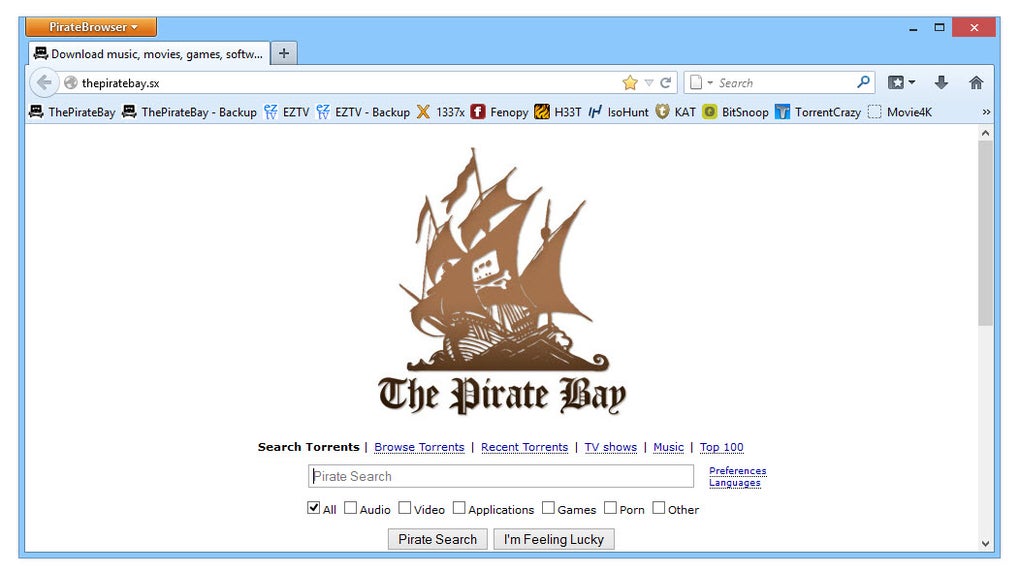
- Pre‑loaded Torrent Links: Quick access to popular BitTorrent portals such as The Pirate Bay.
- Cookie & Tracker Blocking: Built‑in settings that delete cookies on exit and block common tracking scripts.
- USB & Cloud Friendly: The entire suite can be stored on removable media or synced via Dropbox.
- Open‑Source Foundations: Uses open‑source components (Firefox, Tor) that are regularly audited.
These features work together to create a cohesive privacy‑first browsing experience. Because the Tor network encrypts traffic multiple times before it exits the final relay, the user’s ISP and most surveillance tools cannot see the actual destination of the request. The FoxyProxy extension guarantees that no accidental “direct” connections slip through, a common pitfall for DIY Tor setups.
Moreover, the portable nature of the application eliminates the need for system‑level changes—no registry edits, no driver installations, and no lingering files after you delete the folder. While the bundled Firefox is an older version (23), it remains functional for everyday tasks such as reading news, streaming non‑protected content, and visiting torrent indexes. For power users, the open‑source base allows easy upgrades or manual tweaks, but the default configuration is already optimized for privacy out of the box.
Installation, Setup & Compatibility
Getting PirateBrowser up and running is intentionally simple. Follow these steps to ensure a smooth experience:
- Download the ZIP package: Visit the official PirateBrowser download page and click the “Download” button. The file is typically under 30 MB.
- Extract to a preferred location: Use any archive utility (WinRAR, 7‑Zip, macOS Archive Utility) to unzip the contents to a folder on your desktop, USB stick, or cloud‑synced directory.
- Run the launcher: Inside the extracted folder, locate
piratebrowser.exe(Windows) or the appropriate script for macOS/Linux. Double‑click to start. - Tor connection initialization: The Vidalia control panel opens first, automatically establishing a Tor circuit. This process may take 10‑30 seconds depending on network conditions.
- Browse anonymously: Once Vidalia shows a green “Connected” status, Firefox launches with proxy settings already applied. You can now navigate to any site, including blocked torrent portals.
Compatibility: PirateBrowser is built primarily for Windows (XP, 7, 8, 10, and 11) in a 32‑bit portable format. Because it relies on the Windows version of Firefox and Vidalia, macOS and Linux users must use a Windows compatibility layer (e.g., Wine) or look for community‑maintained forks. The application does not require admin privileges, making it ideal for public computers, school labs, or workstations with restricted rights. However, users should be aware that the bundled Firefox 23 may not support the newest web standards (e.g., some HTML5 video codecs), so occasional rendering issues can occur on modern sites. Updating the browser manually is possible by replacing the firefox folder with a newer portable version, but doing so may break the pre‑configured proxy settings unless the FoxyProxy extension is re‑installed.
In terms of security updates, the core Tor network receives regular patches, but the bundled Vidalia GUI is no longer actively maintained. For most casual users, this does not pose a significant risk, as the underlying Tor daemon is still current. Still, privacy‑conscious users should consider pairing PirateBrowser with a standalone, up‑to‑date Tor Browser for the most robust protection.
Pros, Cons & Frequently Asked Questions
Pros
- Zero‑installation, portable solution – works from USB or cloud folder.
- One‑click Tor connection eliminates complex proxy configuration.
- Pre‑loaded links to popular torrent sites for quick access.
- Cookie and tracker blocking built into the default profile.
- Free and open‑source components ensure transparency.
Cons
- Bundled Firefox is an older version (23) and may struggle with modern web standards.
- Vidalia GUI is no longer maintained, which could cause occasional UI glitches.
- Limited to Windows; macOS/Linux users need a compatibility layer.
- Not a full‑featured privacy suite – lacks built‑in VPN or DNS‑leak protection.
- Performance can be slower due to Tor’s multi‑hop routing.
Frequently Asked Questions
Is PirateBrowser safe to use for illegal downloads?
PirateBrowser masks your IP address via the Tor network, which makes it harder for third parties to trace your activity. However, no tool can guarantee absolute anonymity. Users should still exercise caution, avoid downloading copyrighted material in jurisdictions where it is illegal, and follow local laws.
Can I use PirateBrowser on a public computer?
Yes. Because the application is portable and does not require installation, you can run it from a USB stick on any public workstation. Remember to close all windows and delete the folder after use to avoid leaving any residual data.
Does PirateBrowser protect me from DNS leaks?
When the Tor circuit is active, DNS requests are routed through the Tor network, which largely prevents DNS leaks. However, misconfigured network settings or third‑party extensions could re‑expose DNS queries. It’s advisable to run a DNS‑leak test after connecting.
How does PirateBrowser differ from the official Tor Browser?
PirateBrowser bundles an older Firefox version with Tor, focusing on quick access to torrent sites. The official Tor Browser is built on a newer, hardened Firefox base with additional security patches, anti‑fingerprinting measures, and a more active development community.
Will using PirateBrowser slow down my internet speed?
Yes, routing traffic through multiple Tor relays adds latency and reduces throughput compared to a direct connection. For everyday browsing this slowdown is acceptable, but streaming high‑definition video may be affected.
Conclusion & Call to Action
PirateBrowser offers a convenient, free solution for users who need instant anonymity without the hassle of configuring Tor manually. Its portable design, one‑click connection, and pre‑loaded torrent shortcuts make it an attractive choice for casual privacy seekers, travelers, and anyone facing restrictive internet policies. While the older Firefox engine and limited platform support are notable drawbacks, the core functionality—securely routing traffic through Tor—remains solid.
If you’re looking for a quick way to browse the web anonymously and access blocked torrent sites, PirateBrowser is a solid starting point. For power users or those requiring the latest security features, pairing it with the official Tor Browser or a reputable VPN is advisable. Ready to surf the web without leaving a trace?
Download PirateBrowser now and protect your online privacy today.







